
Request Header
The request sent to the webhook URL will have the following header key:taag-signature, value: t=<timestamp>, s=<signature>
Events
The webhook payload depends on which event that occured, here are all events listed:Subscribed
Subscribed
Whenever there is a new subscriber this payload will be sent to the webhook:
Unsubscribed
Unsubscribed
Whenever a subscriber is unsubscribed this payload will be sent to the webhook:
Signature
- HMAC_SHA256 is a function to compute an HMAC with the SHA256 hash function.
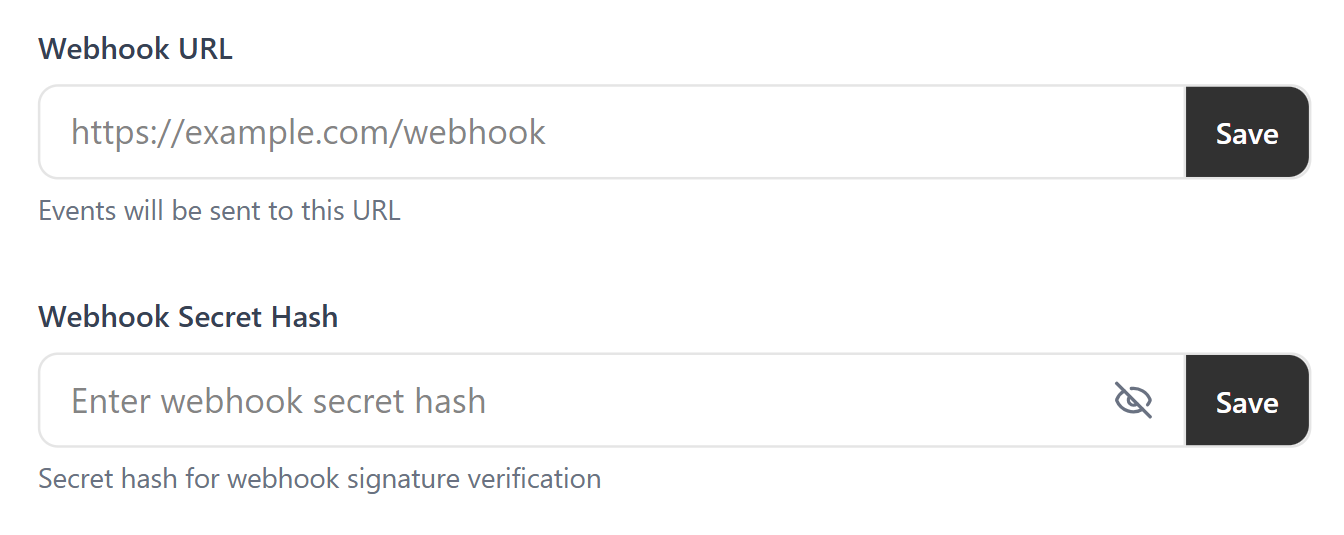
<Secret_Hash>is the secret hash you set in your project webhook URL settings.<Payload_To_Hash>is the concatenation of the timestamp, the character ”#” and the request body.
Example
Verifying the Signature
You can follow the steps below to verify a signature: Step 1: Extract the timestamp and signature from the headertaag-signature. Split the header using the , character as the separator, to get a list of elements. Then split each element, using the = character as the separator, to get a prefix and value pair. The value for the prefix t corresponds to the timestamp, and s corresponds to the signature.
Step 2: Prepare the signed_payload string. The signed_payload string is created by concatenating: The timestamp (as a string), the character # and the Stringified JSON payload (the request body).
Step 3: Determine the expected signature. Compute a HMAC with the SHA256 hash function. Use the secret hash as the key and use the signed_payload string as the message.
Step 4: Compare the signature in the header to the expected signature. If they match that means it is valid from Taag.
If you get stuck anywhere, please reach out to this email:
[email protected]